
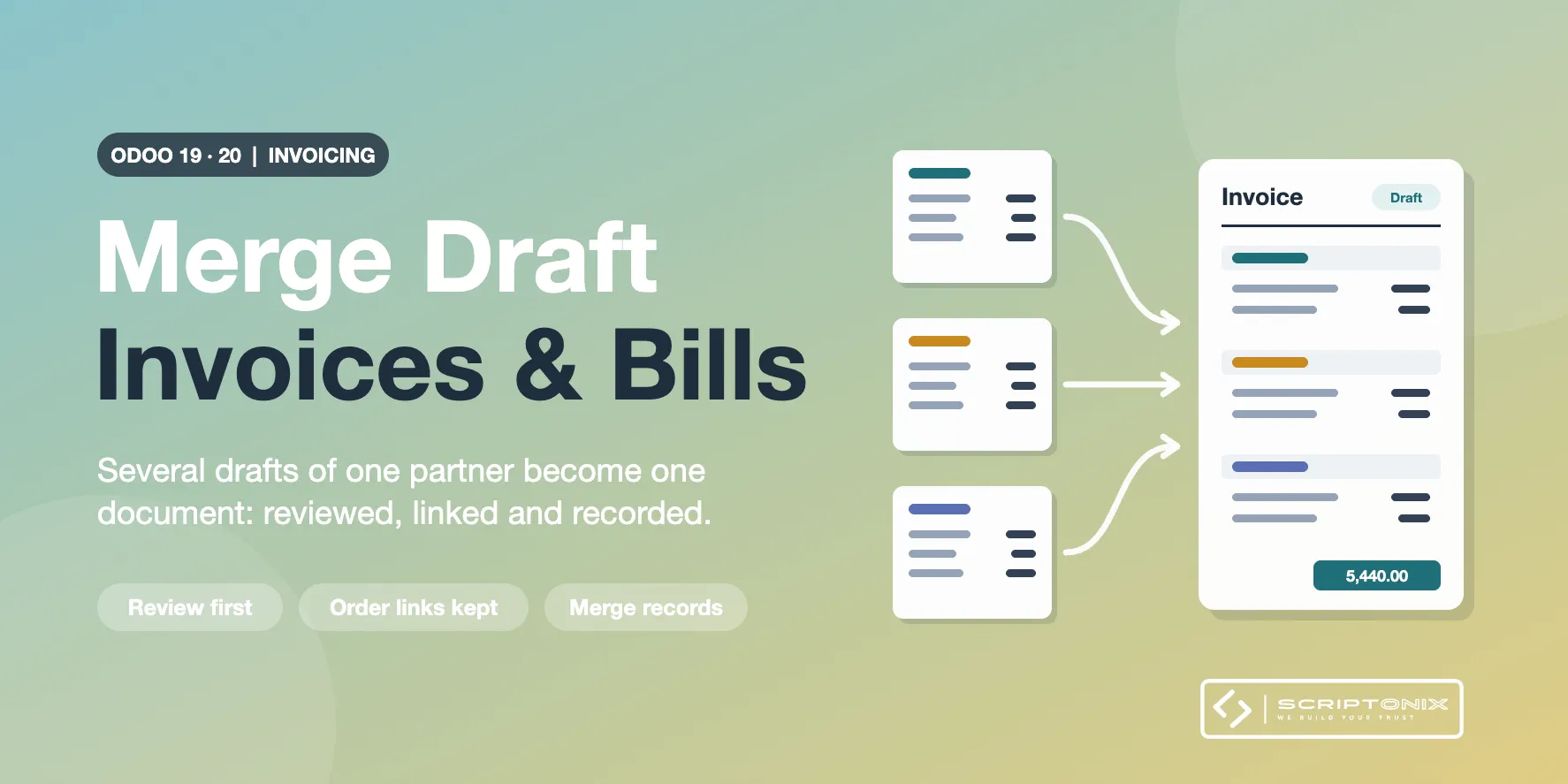
Tick several draft customer invoices, or several draft vendor bills, of the same partner and turn them into one document. A review window shows what will happen before anything changes, sales and purchase order lines stay linked, and every merge leaves a record of what was merged into what.
Key Features
- Merge from the list or from the document — Tick the drafts and choose Merge, or press Merge Drafts on a draft that has siblings.
- Review before anything changes — Documents, amounts, lines before and after, and what happens to each document.
- Clear reasons instead of a dead end — Every document that cannot be merged is listed with its reason and can be left out.
- New document or an existing one — Create a new draft, or add the lines to the main document you choose.
- Three ways to arrange the lines — Keep every line, add a section per source document, or add up identical lines.
- Order links stay intact — Sales order lines and purchase order lines remain linked; invoiced quantities stay right.
- Merge records — Number, user, date, choices, totals before and after and the list of source documents.
- No double invoicing — A merged source cannot be reset to draft while the merged document is alive.
Benefits
- One invoice for the customer instead of several, even when the drafts already exist
- One bill for several documents received from the same vendor
- Auditors see who merged what, when, and with which amounts
- Posted documents are never touched; totals are checked and the merge is rolled back on any gap
Ideal For
- Companies that invoice per delivery or per order and send one invoice per period
- Accounts payable teams that receive several bills for one vendor
- Accountants who need a clean audit trail for every consolidation
Technical Highlights
- Lines are copied with the standard Odoo copy routine, business links included
- Sources are cancelled with the standard routine, or deleted when never numbered
- Depends on the Invoicing app only; works with Sales and Purchase when they are installed
- Own access right, per-company settings, multi-company record rules, fully translatable
Supported Odoo Versions
- Odoo 19
- Odoo 20