
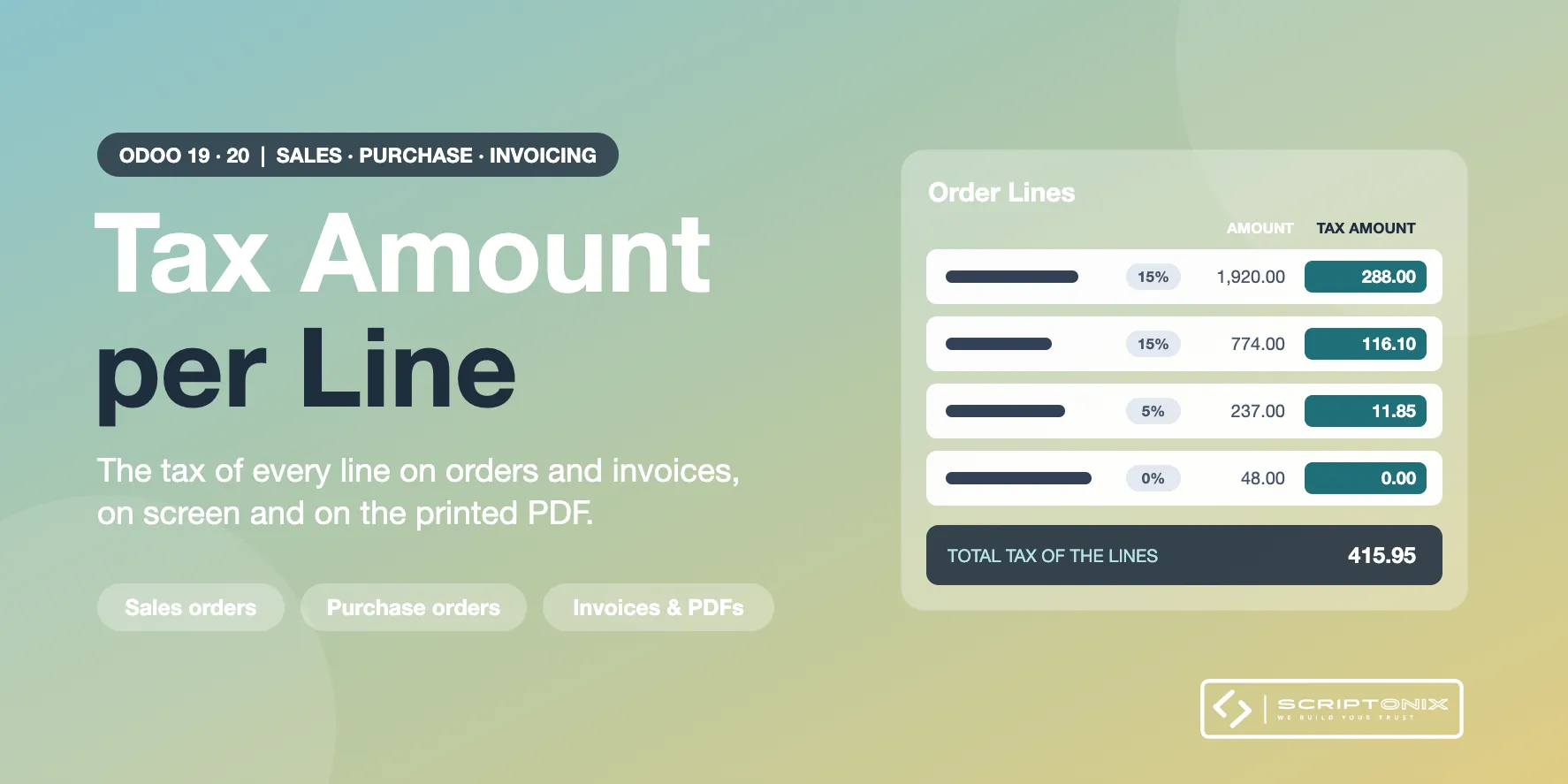
See how much tax every single line carries. A Tax Amount column, and the line total with tax next to it, are available on quotations, sales orders, purchase orders, customer invoices, vendor bills and credit notes, on screen and on the printed documents.
Key Features
- Tax amount on every line — A currency formatted Tax Amount column on sales order, purchase order and invoice lines.
- Line total with tax beside the amount — Purchase orders and invoices offer the amount the standard column leaves out as an optional column.
- Printed on the PDF — The same columns are printed on the quotation, sales order, purchase order and invoice.
- Column totals on screen — The tax of all lines is summed at the bottom of the column.
- Settings per company — Switch sales, purchase and invoice documents on or off and choose the printed columns.
- Always equal to the document totals — The values come from the amounts Odoo computes for the document, never from a second formula.
- Tax excluded and tax included prices — The second column adapts to the price mode: Tax Incl. or Tax Excl.
- Clean printed layout — Sections, notes, combos and down payments stay aligned with the extra columns.
Benefits
- Customers and suppliers see the tax of each item without a calculator
- Mixed tax rates on one document become easy to check
- Bookkeepers control line taxes before posting
- Nothing to configure to get started
Ideal For
- Companies selling items with different tax rates on the same document
- Businesses whose customers ask for the tax per item on the invoice
- Purchasing teams comparing supplier quotations with and without tax
Technical Highlights
- Reuses the line amounts Odoo already stores; no extra stored column, instant install
- Works with percentage, fixed, grouped and price included taxes, and foreign currencies
- Depends on the Sales, Purchase and Invoicing apps; Community and Enterprise
- Multi-company settings; fully translatable
Supported Odoo Versions
- Odoo 19
- Odoo 20