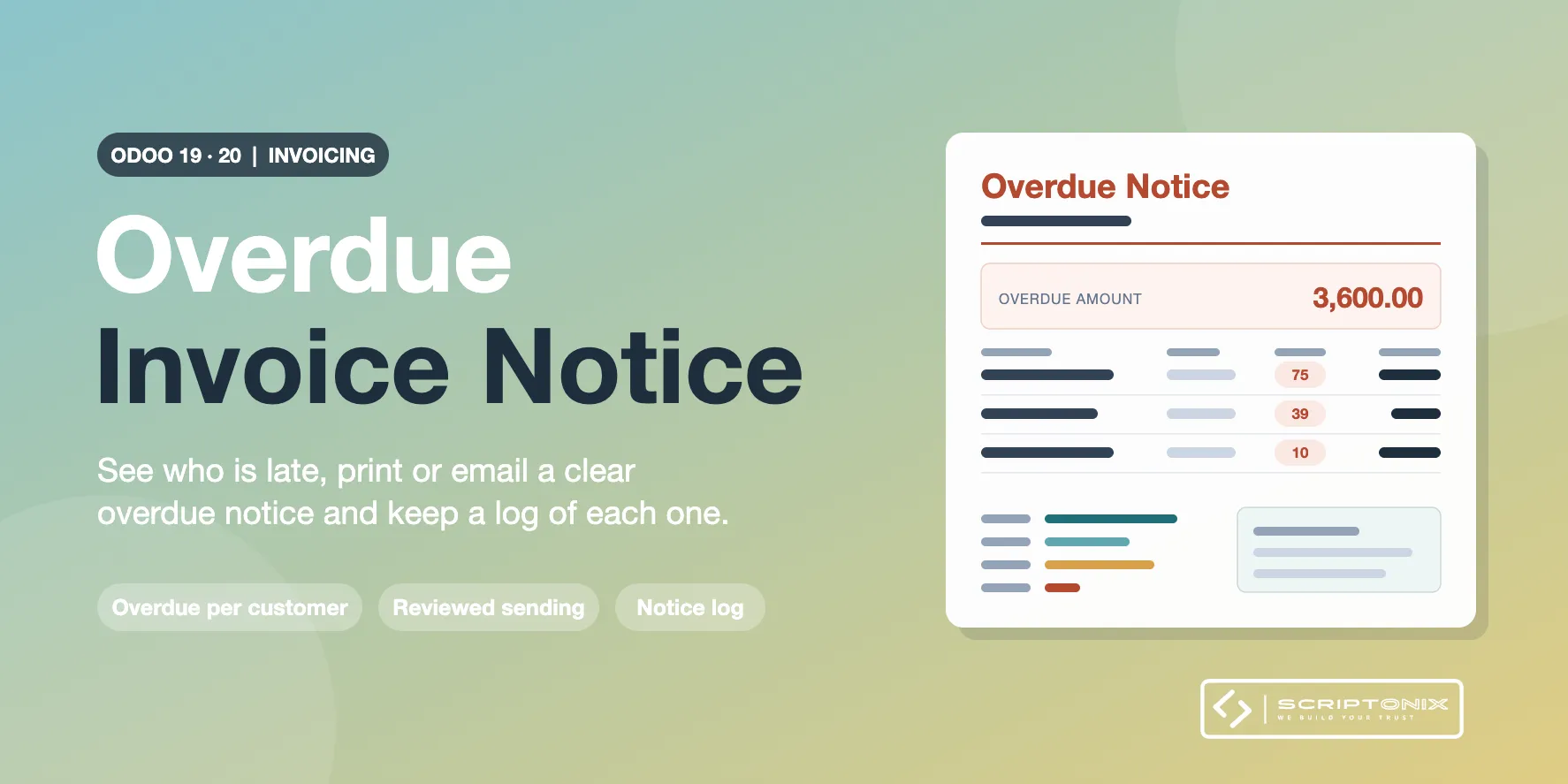
See at a glance which customers are late and by how much, put them on payment follow-up levels, print an overdue notice that lists every open invoice with its days late, and email it by hand after a short review or automatically once per level. Every notice is logged.
Key Features
- Overdue amount on every customer — Overdue amount, open invoices, unallocated credits, number of overdue invoices and the age of the oldest one, on the customer form and behind an Overdue button.
- Notice levels per company — Name, days overdue from which the level applies, wording of the notice, optional own email template, to-do and internal action note. Starter levels at 7, 21 and 45 days.
- Overdue Customers by level — One list of the customers that are late with level, last notice, next action date and responsible; filters for action due, paused and my customers; group by level.
- Automatic sending, off by default — A daily run emails each customer the notice of the level reached, once per level, and plans the to-dos. One failing customer or company does not stop the others.
- Overdue Notice PDF — Open invoices with invoice date, due date, days late and amount due, the name and wording of the level, an ageing summary and your payment instructions, in the customer language.
- Review before sending by hand — A review window shows the level of each customer, who will receive the notice and who is skipped, and why: nothing overdue, below the minimum amount, paused, no email address or notified recently.
- Promise to pay and do not follow up — Pause a customer until a promised date or until further notice; give each customer an overdue responsible.
- Notice log and access right — Who printed or emailed a notice, or received a to-do, when, at which level, manual or scheduled, for which amount and invoices. Optionally only users with the right Send Overdue Notices can email customers.
Benefits
- Know every morning who owes you money that is already late, and what to do next
- A clear, polite document whose tone follows the level the customer has reached
- No reminder sent to a paused customer, one with no email or one reminded yesterday
- Works right after installation; nothing is sent automatically until you switch it on
Ideal For
- Small and mid-size companies on Odoo Community that chase late payments
- Accounting teams that want a trace of every reminder sent
- Companies invoicing in instalments or in several currencies
Technical Highlights
- Amounts are read from the open receivable journal items of posted customer invoices
- Figures, levels, settings and the log follow the active company; multi-company rules
- Uses the standard Odoo email template, PDF report engine, activities and scheduler
- Depends on the Invoicing app only; fully translatable
- A Community tool: it is not the Enterprise Follow-up app and does not change it
Supported Odoo Versions
- Odoo 19
- Odoo 20