
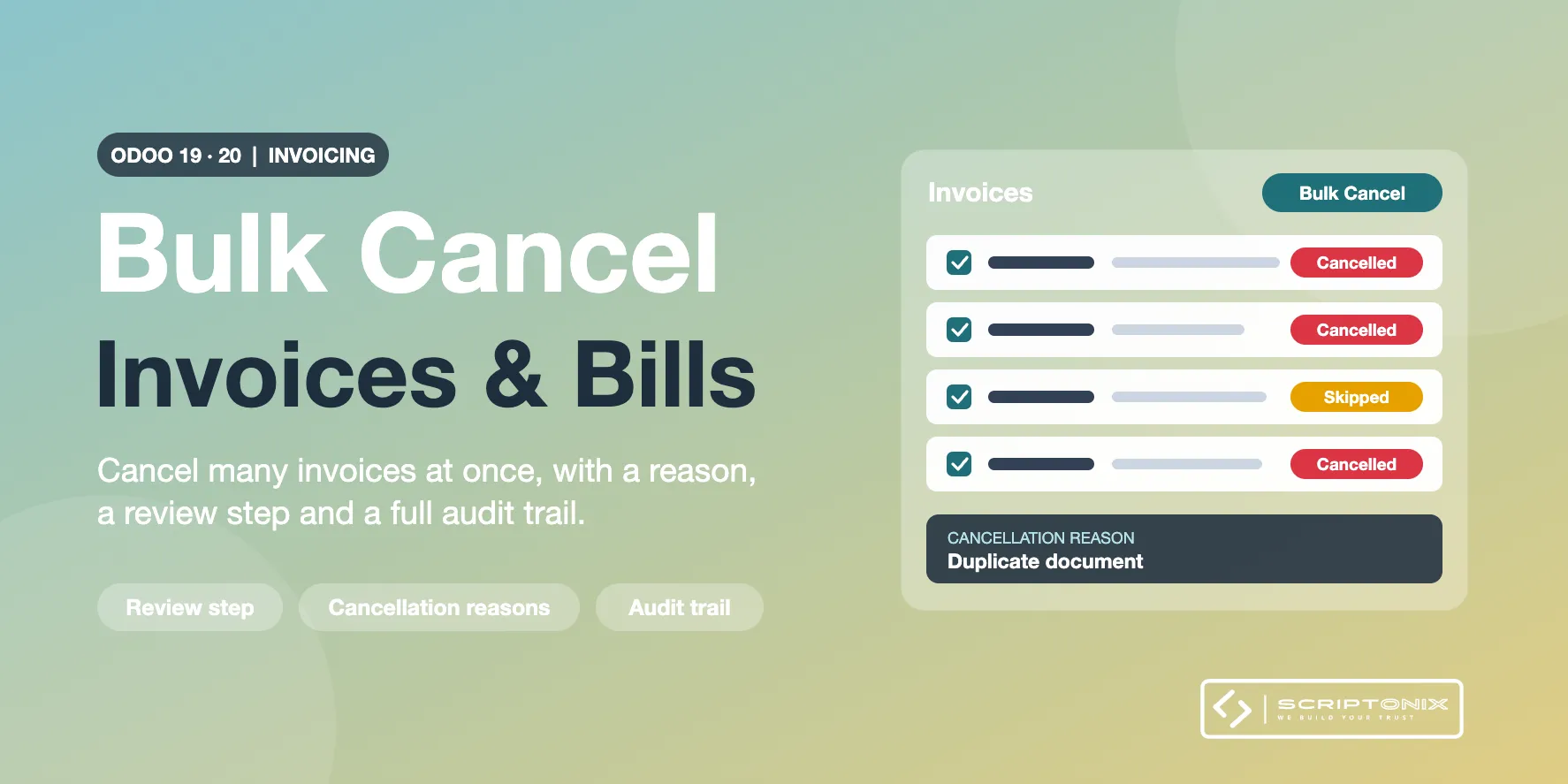
Select any number of customer invoices, vendor bills, credit notes or journal entries in the list, review which of them can be cancelled, pick a reason and cancel them in a single step. Every document keeps a record of who cancelled it, when and why.
Key Features
- Cancel in bulk from the list — Tick the documents, open the Action menu and choose Bulk Cancel.
- Review before anything changes — Each selected document is shown as ready or skipped, with the exact reason it is skipped.
- One failure never stops the rest — Documents that cannot be cancelled are left untouched; all the others are cancelled.
- Cancellation reasons — Keep your own list of reasons and make the reason mandatory per company.
- Audit trail on every document — Reason, note, user and date are stored on the invoice and written in its chatter.
- Paid documents under control — Paid and partially paid documents are skipped unless the company explicitly allows it.
- Dedicated access right — Only users with the Bulk Cancel Invoices right see the action.
- Search and reporting — Filter the documents cancelled in bulk and group them by cancellation reason.
Benefits
- Clean up duplicate, test or wrongly imported invoices in seconds
- No silent changes: every cancellation is explained and traceable
- Accounting safeguards stay in force: lock dates, locked journals, tax authority requests
- Nothing to configure to get started
Ideal For
- Accounting teams fixing import or migration mistakes
- Companies that invoice in batches and sometimes need to withdraw a batch
- Auditors who need to know why a document was cancelled
Technical Highlights
- Uses the standard Odoo cancellation routine, never a direct status change
- Each document is processed in its own savepoint
- Depends on the Invoicing app only; Community and Enterprise
- Multi-company aware settings and reasons; fully translatable
Supported Odoo Versions
- Odoo 19
- Odoo 20