
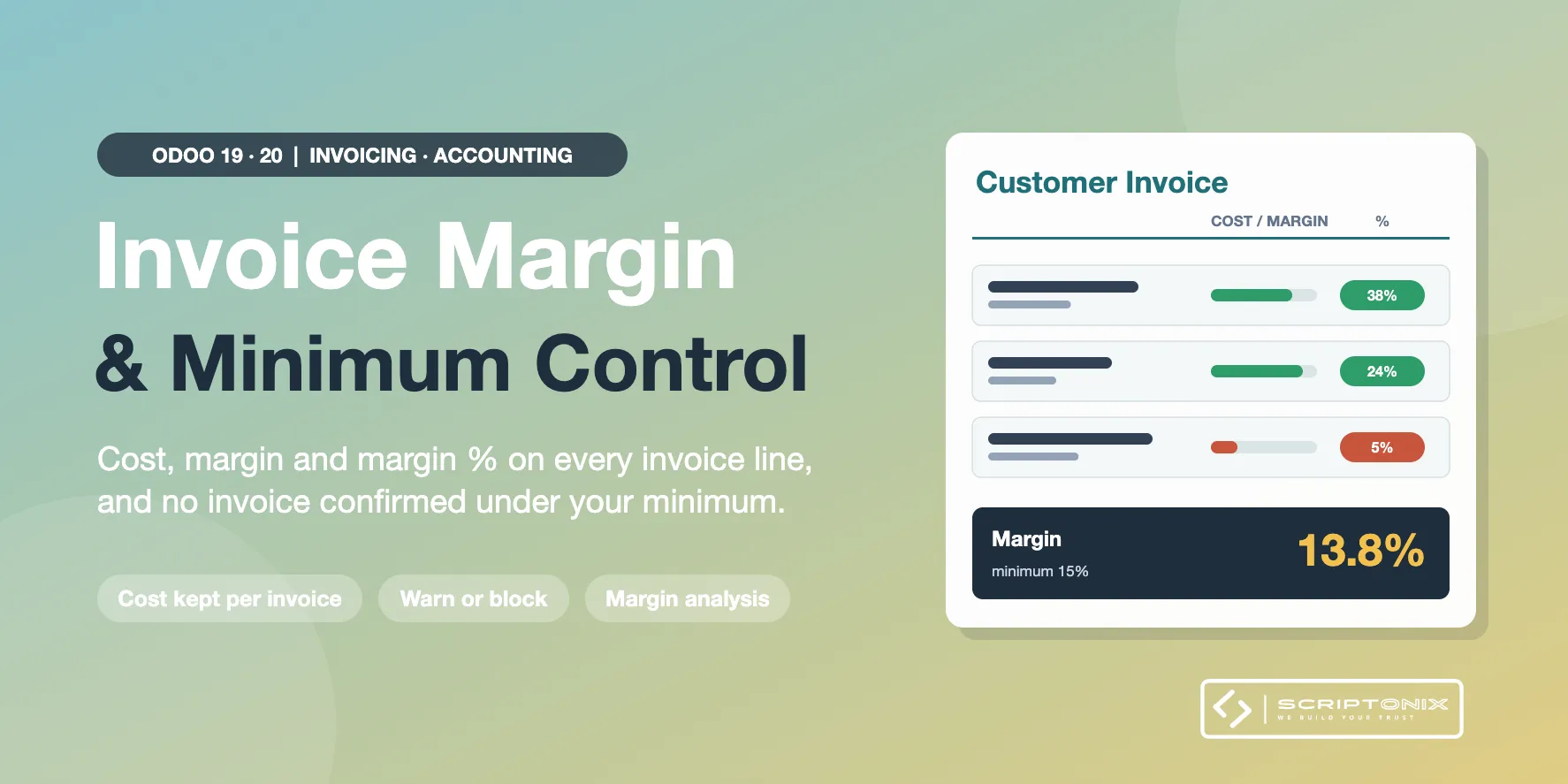
Odoo shows the margin on a sales order, but not on the customer invoice. This module puts the cost, the margin and the margin percentage on every invoice line and on the invoice total, keeps the cost that was valid when the invoice was made, hides all of it from users who should not see costs, and warns or blocks when an invoice earns less than your minimum.
Key Features
- Cost, margin and margin % on invoice lines — Three columns on the lines of customer invoices, credit notes and sales receipts.
- Margin on the invoice total and in the invoice list — Cost, margin and percentage under the totals; margin columns with a sum in the list.
- The cost is kept — The cost is stored on the line when it is created, so a later change of the product cost does not rewrite the margin of past invoices.
- Minimum margin: warn or block — Per company: a minimum percentage, checked on the invoice total or on every line.
- Margin Approver — With Block, only approvers confirm a low margin invoice; who confirmed is recorded.
- Access control over cost and margin — Only the Cost and Margin Viewer group sees costs and margins, on screen and through the API.
- Invoice Margin Analysis — Invoiced revenue, cost, margin and margin % by product, category, customer, salesperson, period.
- Margin on the product form — Margin and margin % next to the sales price and the cost of each product.
Benefits
- Know what every invoice really earned, not only every quotation
- Stop invoices sold under cost before they are confirmed
- Keep purchase costs away from users who only prepare invoices
- Reports that do not change when a product cost is updated
Ideal For
- Trading and distribution companies invoicing without a sales order
- Finance teams that must sign off low margin deals
- Managers who follow margin by customer, product category or salesperson
Technical Highlights
- Depends on the Invoicing app only; Community and Enterprise
- Works together with the Sales Margin app: an invoice made from a sales order takes the cost of the order line
- The sales order margin and the standard invoice analysis of Odoo are left as they are
- Field level access groups, multi-company settings, multi-currency, fully translatable
- Install fills existing customer invoices in batches; other journal items are not touched
Supported Odoo Versions
- Odoo 19
- Odoo 20