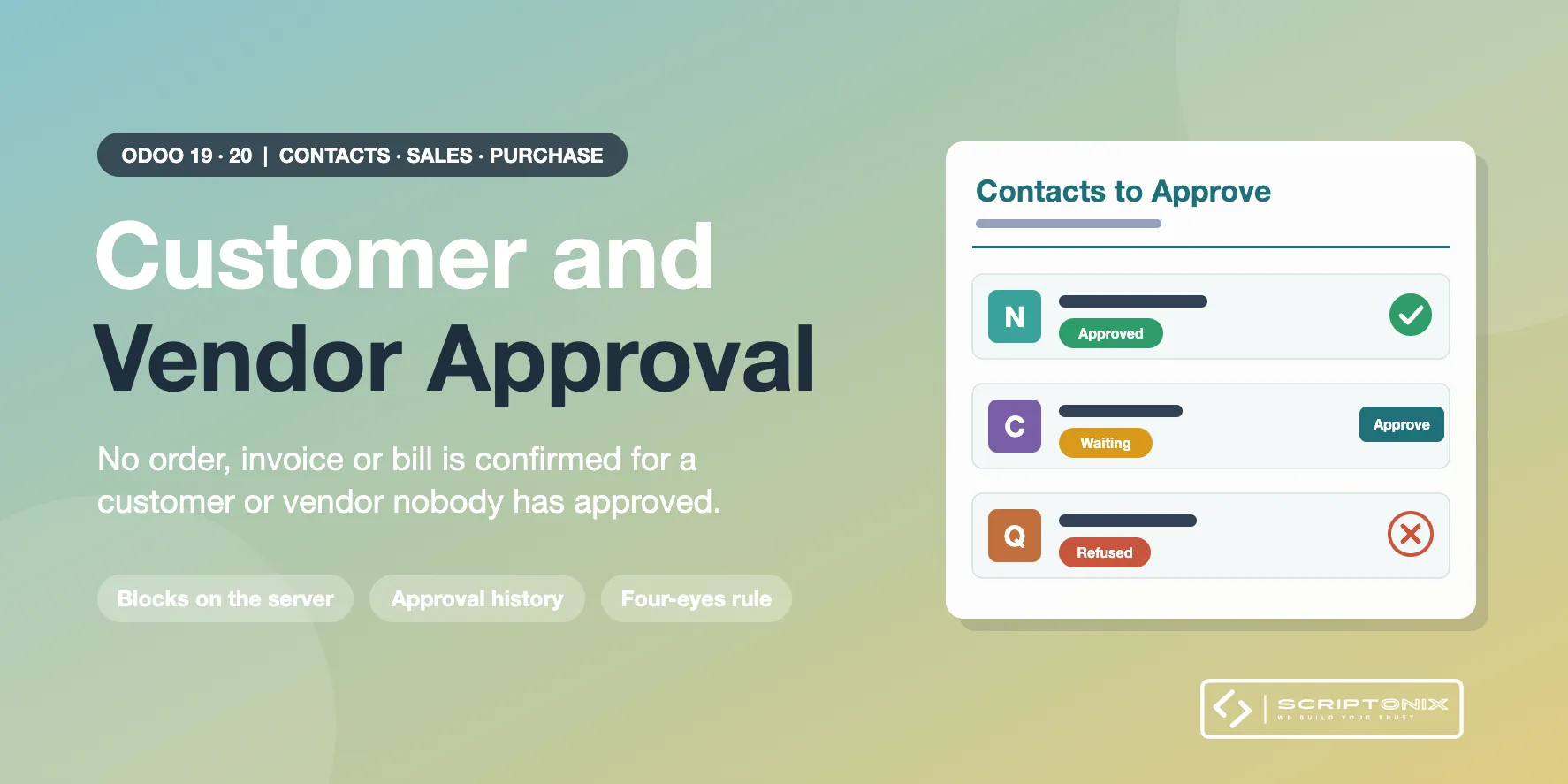
A new customer or vendor has to be approved by an authorised user before it can be used for real business. Quotations, requests for quotation and draft invoices stay free; confirming a sales order, a purchase order, an invoice or a bill is refused until the contact is approved. Every step is kept in an approval history.
Key Features
- Separate customer approval and vendor approval — A contact is approved as a customer, as a vendor, or both. Each role has its own approvers.
- Checked on the server — Sales orders, purchase orders, customer invoices and vendor bills cannot be confirmed for a contact that is not approved, whatever the screen, import or API used.
- Request, approve, refuse with a reason — Any user requests the approval from the contact, from a selection or from the draft invoice. Approvers approve in one click or refuse with a reason. An approval can be withdrawn later.
- Approval queue and history — Contacts > Approvals lists what is waiting, with approve buttons in the rows, and every request, approval, refusal and re-approval with user, date and reason.
- Approve again after key changes — When the Tax ID or a bank account of an approved contact is changed by a user who is not an approver, the approval goes back to the queue.
- Four-eyes approval — Optionally, the user who requested the approval or created the contact cannot approve it.
- Notifications — Approvers are notified of each request and the requester of the decision.
- Settings per company — Choose per company which documents need an approved contact.
Benefits
- No order, invoice or payment for a customer or vendor nobody checked
- Protection against fake vendors and changed bank details
- Sales and purchasing keep working: quotations and drafts are never stopped
- Contacts that exist at installation are approved automatically, so nothing stops on day one
Ideal For
- Companies with a customer onboarding or credit check step
- Finance teams that must validate vendors before the first purchase order or bill
- Groups that need a trace of who approved which business partner
Technical Highlights
- Depends on Invoicing and Contacts only; the checks on sales orders and purchase orders switch on by themselves when the Sales or Purchase app is installed
- The approval belongs to the company; its contacts and addresses follow it
- Documents created by the system itself (online payments, point of sale, scheduled jobs) are not stopped
- Community and Enterprise; fully translatable
Supported Odoo Versions
- Odoo 19
- Odoo 20