
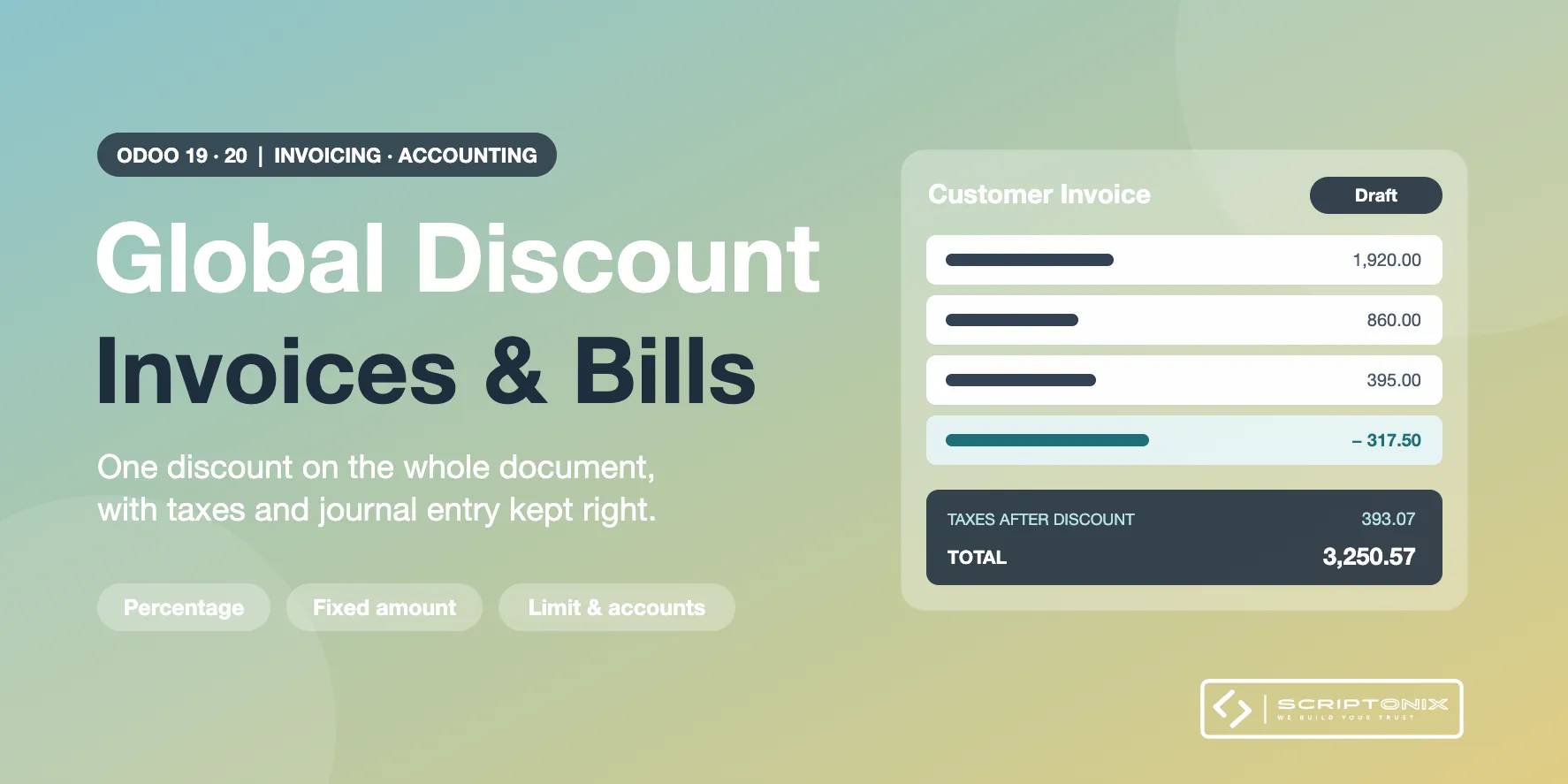
Give one discount on the whole invoice or bill instead of editing every line. Pick a percentage or a fixed amount on a draft customer invoice, vendor bill, credit note or receipt: the discount is written as its own lines, the taxes follow, and the journal entry stays balanced. Odoo offers this on sales orders only; this app brings it to invoicing.
Key Features
- Discount button on invoices and bills — One window on every draft customer invoice, vendor bill, credit note and receipt.
- Percentage or fixed amount — A share of the total, or an amount with taxes taken off the total.
- Taxes reduced in proportion — Each tax rate gets its own discount line, so the tax report stays correct with mixed rates.
- Dedicated discount accounts — One account for customer invoices and one for vendor bills, per company.
- Discount limit with an access right — Cap the discount for regular users; authorised users may go above it.
- Shown on the PDF — The discount lines, the subtotal before discount and the global discount are printed.
- Several invoices at once — Select draft documents in the list and give them the same discount in one step.
- Follows your changes — A warning shows when lines changed afterwards; the discount is updated on confirmation.
Benefits
- A negotiated discount is entered once, not line by line
- Tax amounts and the journal entry are computed by Odoo itself
- Discounts given are visible in the general ledger on their own account
- Every discount given, changed or removed is written in the history of the document
Ideal For
- Companies that invoice without a sales order and grant commercial discounts
- Accountants recording vendor bills that carry a discount on the total
- Managers who want a ceiling on the discounts their team can give
Technical Highlights
- Built on the discount routine of Odoo's own tax engine; no second tax formula
- Depends on the Invoicing app only; Community and Enterprise
- Multi-company settings, multi-currency documents, fully translatable
- Covered by automated tests
Supported Odoo Versions
- Odoo 19
- Odoo 20